
Is the iPad Pro Worth It in 2026? A Designer's Honest Take
When Apple came out with the redesigned iPad Pro, I started thinking about whether it could actually fit into my workflow. It had been years since I’d used an iPad, and while the hardware looked great, the price kept me on the fence. I kept going back and forth on it: is the iPad Pro actually worth it?
What finally pushed me over the edge wasn’t the specs, it was the software. With each iPadOS update, Apple kept inching the iPad Pro closer to being a real productivity tool. Eventually the right mix of features lined up with a solid deal, and I pulled the trigger.
So is the iPad Pro worth it?
Yeah, the iPad Pro is worth it. The new iPadOS is a workhorse and it doesn’t disappoint. Saving and sharing files in the cloud just works now. And as a creative professional, having the ability to quickly take notes and sketch out ideas to share with my team has been huge.
But that’s just scratching the surface. I’ll get into my favorite features below, but first, here’s some context on the specs I chose.
The iPad Pro specs I chose (and why)
I went back and forth for a while, but I ended up going with the 11” iPad Pro with a 64 GB hard drive in Space Gray. Three main reasons:
- I already have a 15” MacBook Pro as my daily driver, so the 12.9” iPad Pro felt redundant.
- I wanted to take advantage of the iPad’s portability, so the smallest form factor made the most sense.
- Most of my work lives in the cloud, so I didn’t feel like paying extra for a bigger hard drive. Plus, iPadOS now supports external hard drives via USB-C, so I can always plug in an SSD if I need more space.
I also picked up the Apple Pencil (2nd Generation) and the Apple Smart Keyboard Folio.
Apple Pencil
I’ll be honest, I was pretty excited about the 2nd gen pencil. It was actually one of the main reasons I decided to get the iPad in the first place. The ability to take notes, draw out ideas, and share them instantly felt like magic. And yeah, I know Wacom tablets and other styluses have been around for years, but having this inside the Apple ecosystem made a big difference for me.
Apple Smart Keyboard Folio
I consider the keyboard essential. I’m typing this article on it right now. I might upgrade to the Logitech MX Keys at some point for multi-device switching, but for now the Folio case gets the job done.
My daily workflow with the iPad Pro
The iPad has become a real part of my daily routine. If you’re looking for the best iPad apps for productivity, creativity, and communication, here’s what I’m using.
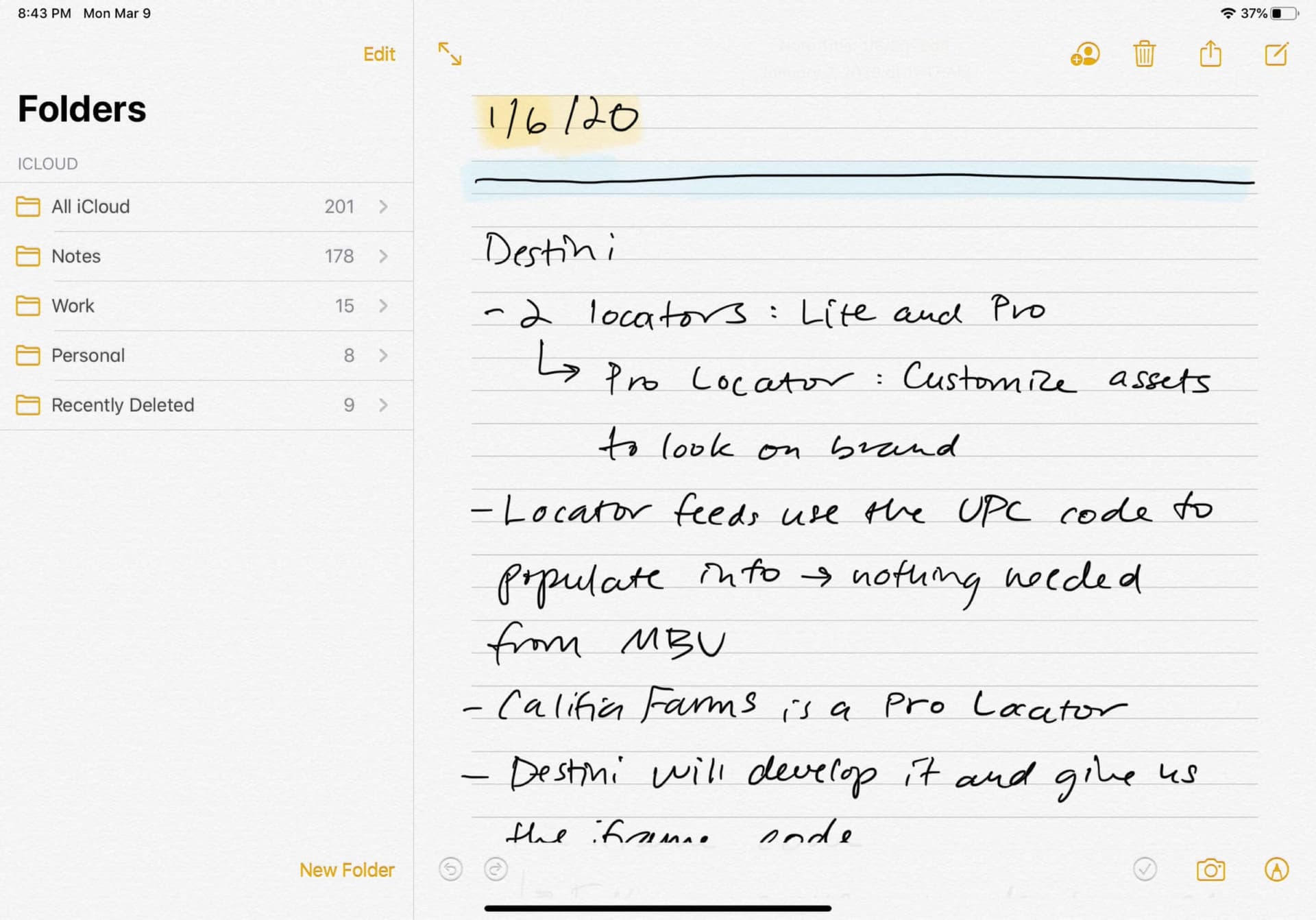
Apple Notes
My most-used app. Paired with the Apple Pencil, it makes handwritten task capture fast and natural. Notes are searchable too, which is wildly useful.
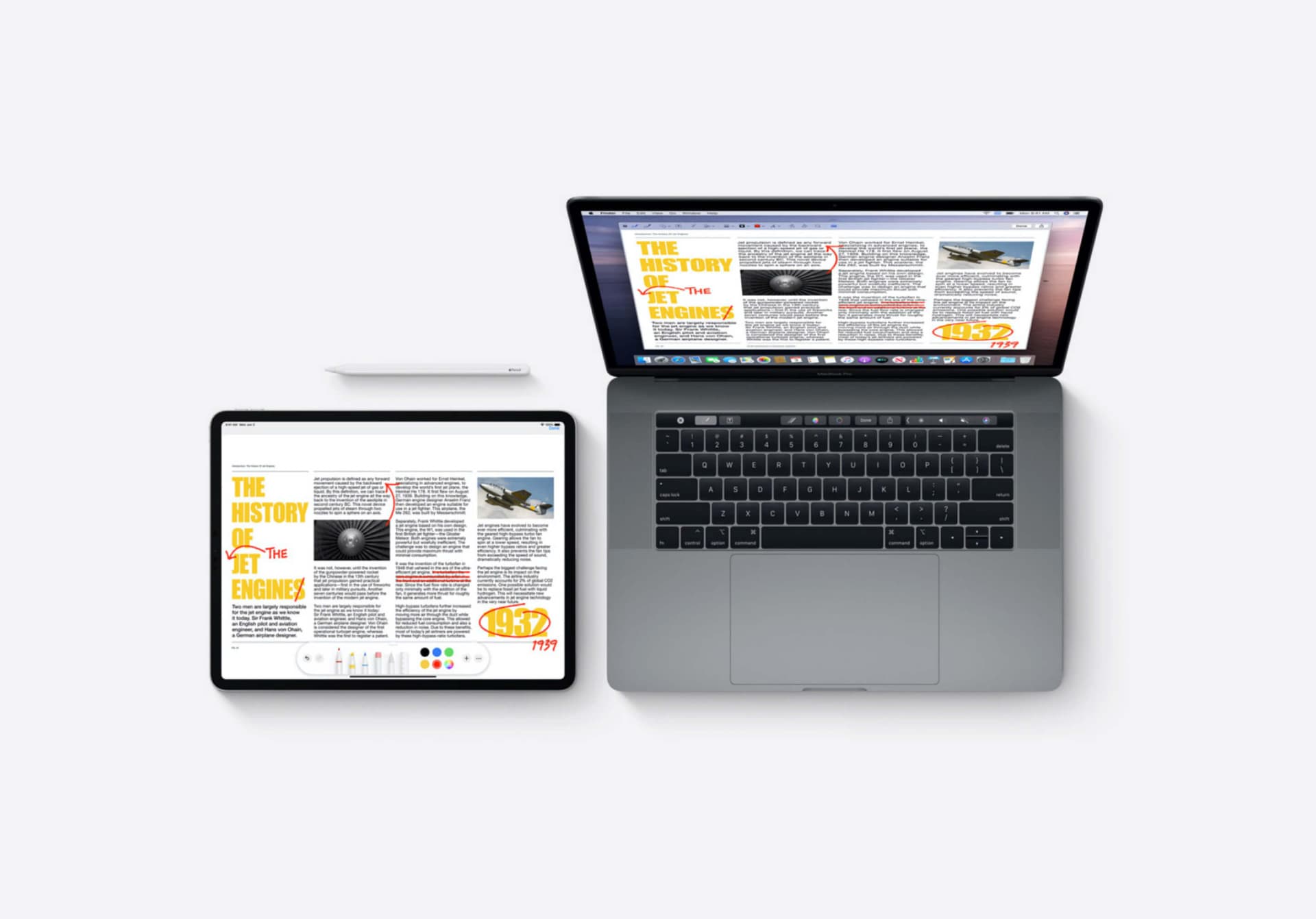
Apple Sidecar
This lets me use the iPad as a second display when I’m traveling. It’s not a full replacement for a monitor, but it’s a solid mobile solution.
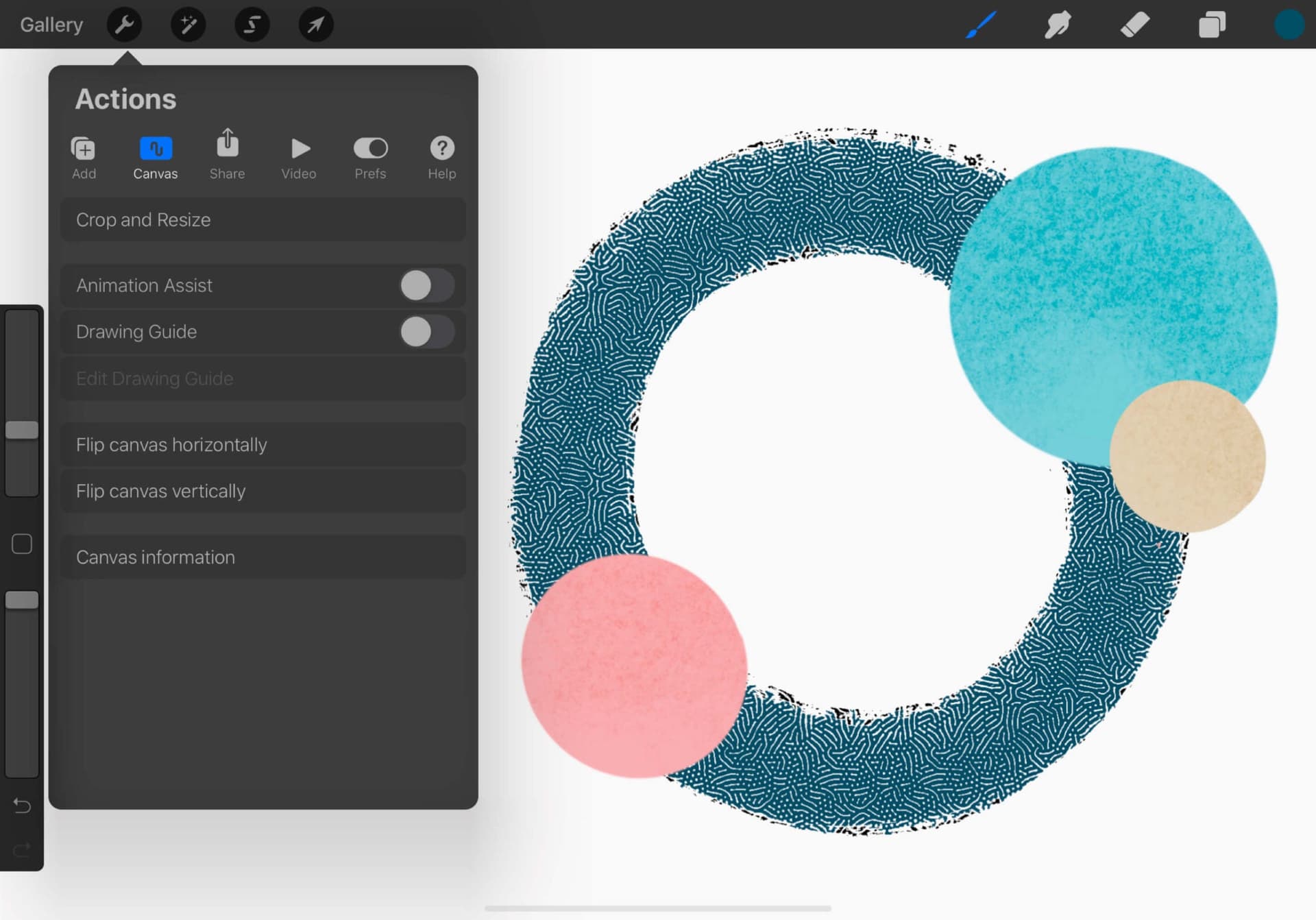
Procreate for iPad
If you’re wondering what iPad is best for Procreate, the iPad Pro is hard to beat. Like the Apple Pencil, Procreate was a major factor in my buying decision. For creating the best digital art, it gives you power and portability in one package. It’s fast and intuitive for sketching, experimenting, and sharing ideas. For my money, it’s the best drawing app for iPad (hands down).
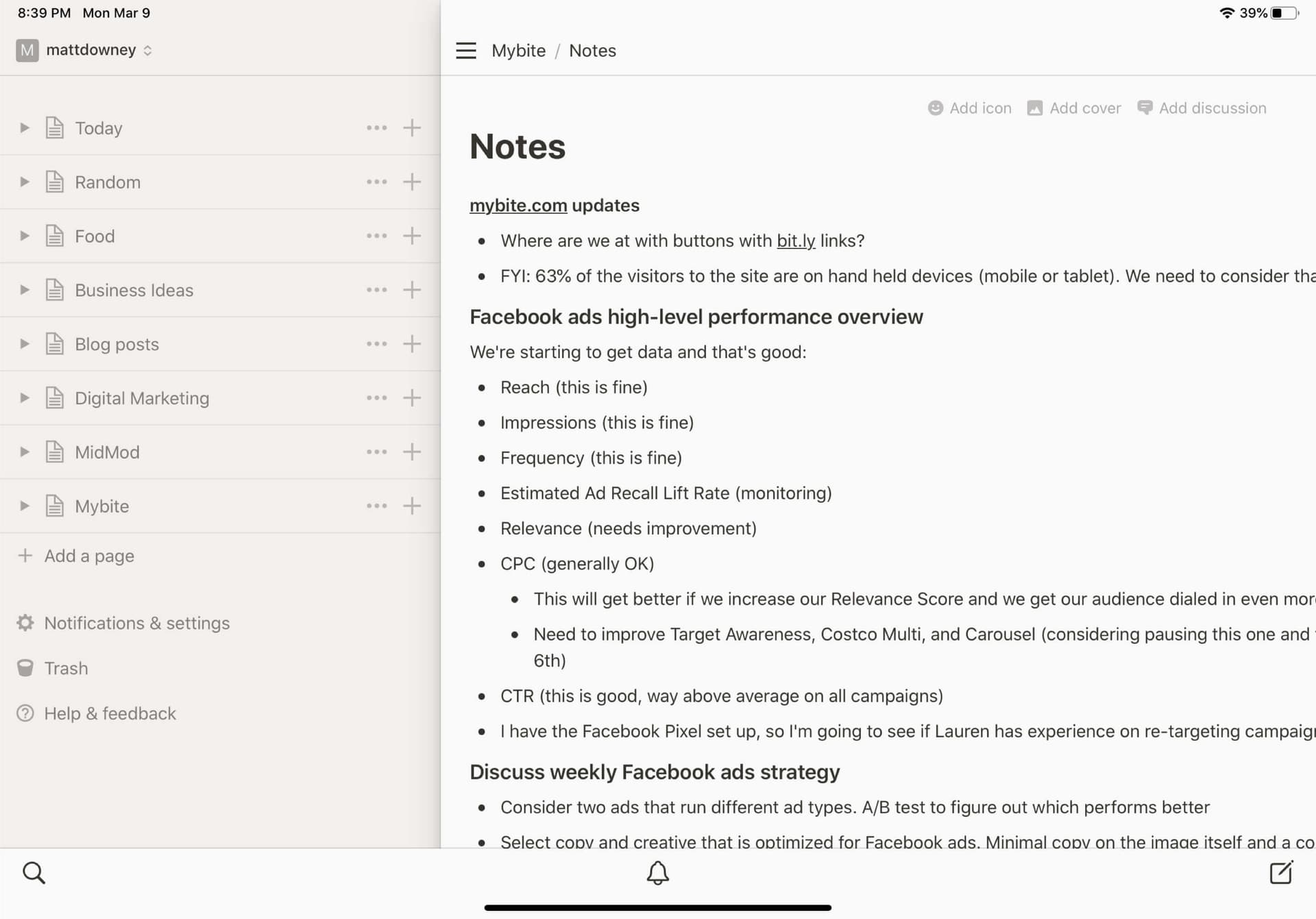
Notion for iPad
I do all my writing, planning, and task management in Notion. On the iPad it just feels right: fluid, focused, and distraction-free.
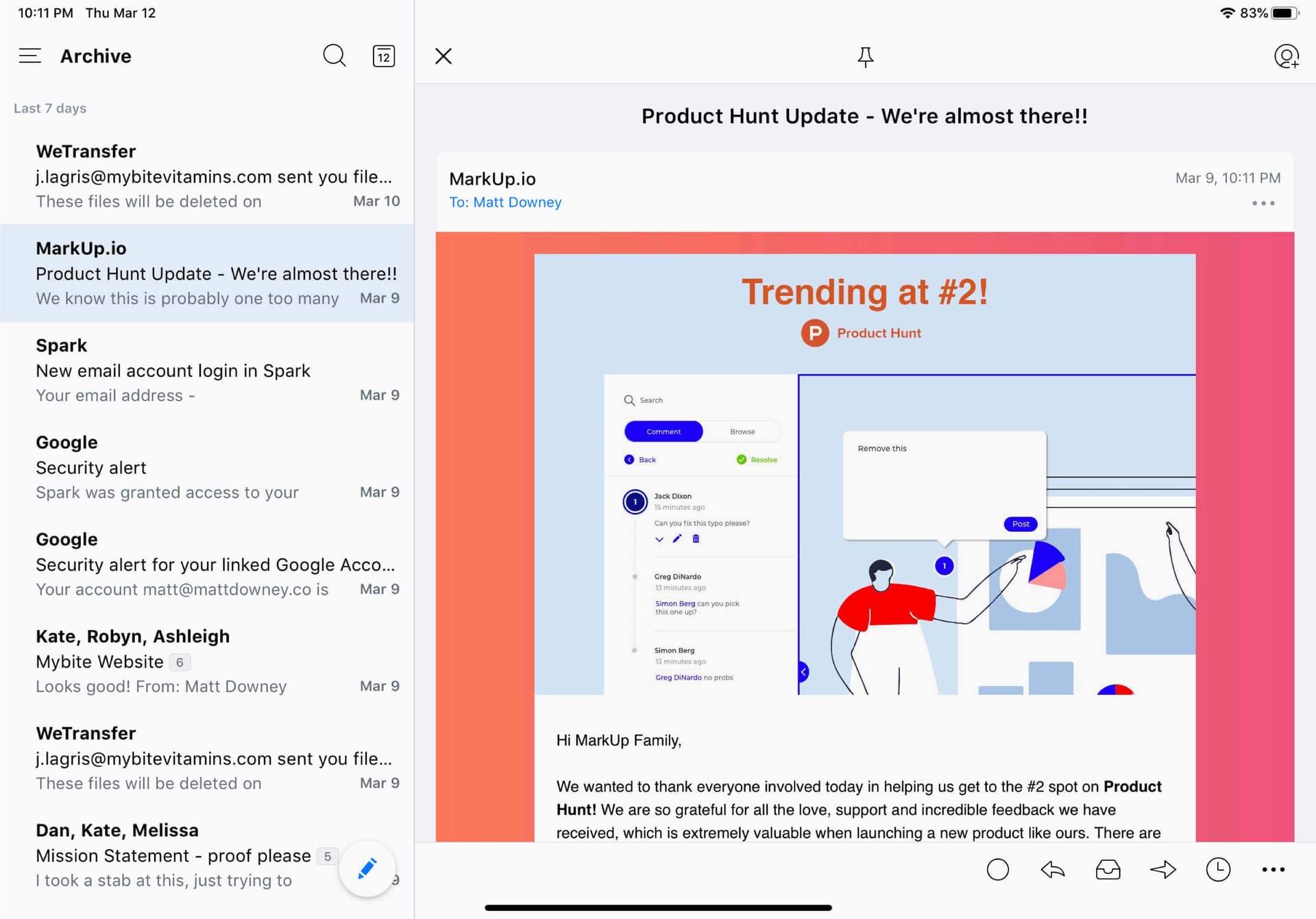
Spark for iPad
Email and calendar in one clean interface. It works great across devices, but it really shines on iPadOS with gesture support and split view.
Should you buy the iPad Pro? Who it’s for
I’ll skip the “it depends” and tell you straight.
Buy one if you take a lot of handwritten notes, sketch or draw, or want a light second machine you can throw in a bag. If you already live in the Apple ecosystem, it slots right in. For a lot of creative people, the Pencil and Procreate alone are enough to justify it.
Thinking about upgrading an older iPad? The case is strongest if yours can’t run the latest iPadOS, can’t keep up with the Pencil, or just won’t behave like a real work tool. Upgrade for the things you actually touch every day: the low-latency Pencil, USB-C, and an iPadOS that finally treats files and external drives the way a computer does. If your current iPad still does everything you need, keep it. Paying for power you’ll never use isn’t an upgrade, it’s a donation to Apple.
Skip it if you’re hoping to retire your laptop. For dev work, heavy design tools, or video editing, the iPad isn’t there yet (more on that below). And if you don’t draw, don’t handwrite notes, and already haul a laptop everywhere you go, the iPad Pro is a nice-to-have, not a need.
So is it a good value? For me, yes, but only because I actually use the handful of things it’s great at. An iPad Pro is worth it when your work lives in the narrow set of things it does better than a laptop, and no spec sheet will change that if it doesn’t.
iPad Pro vs laptop: can it replace your main machine?
For certain types of work (writing, sketching, email), the iPad Pro is fantastic. But for dev work, design tools, and video editing, a laptop still wins. Until we get native versions of pro tools on iPadOS, the iPad works best as a powerful complement to your main machine, not a full replacement.
One more thing, since a lot of people land here from search: this is the only gear review on the site. Everything else I write is about designing and building products with AI. I cover that every week in Digital Native, and posts like design philosophy and the value ladder are where I get into the craft.
Where it fits
The iPad Pro is now a core part of my weekly workflow. It’s not my everything device, but it’s absolutely earned its place in my setup for writing, brainstorming, and staying mobile.
Matt Downey is a designer who has spent over two decades building digital businesses, now Head of Design at Atlas UP. He writes Digital Native, the newsletter for designers building in the AI era.
Keep reading
Chat becomes the interface
Edition #174
Design tools that actually fit your workflow
Edition #151
AI, design, and the future of work
Edition #137
Design systems, AI tools, and the new process
Edition #142
Themes, tools & the creative founder
Edition #119