How I design and ship a newsletter every week (in 30 minutes)
I’ve shipped 152 editions of Digital Native. Most weeks, the whole thing takes me under 30 minutes from start to send.
That wasn’t always the case. For the first hundred-plus editions, I was spending several hours a week tracking down articles, writing copy for each one, formatting everything, and testing links. It worked, but it was a grind. And honestly, the quality suffered because so much of my energy went to logistics instead of curation.
About 20 editions ago, I rebuilt the entire process. Not to remove myself from it, but to remove everything that wasn’t the actual work of serving my audience. The system I built handles the tedious parts so every minute I spend is focused on one question: is this useful to the people reading it?
Here’s exactly how it works.
The system, step by step
Step 1: Curated candidates hit my desk
I have an AI agent called Moltzart that’s subscribed to a hand-picked list of newsletters I trust. He’s trained on my audience profile and knows the kind of content that resonates with the designers and builders who read Digital Native.
Each week, he surfaces 1-3 candidate articles per email for me to review. He doesn’t decide what goes in. I do. Every single article in every edition has been read and chosen by me. Moltzart handles the discovery so I’m not drowning in tabs, keeping the editorial taste and temperature my own.
Step 2: I validate and shape each pick
Once I’ve reviewed the candidates, the ones that make the cut go into my custom newsletter app (I’ll write something up about this soon). This is where I write the title, description, and feature text for each article. I built this tool specifically because I wanted control over how each piece is presented to my readers.
The articles get organized into four consistent sections:
- Most Interesting
- Design + Development
- Tech + Innovation
- Work + Mindset
My readers know this structure. They know where to look for what they care about. That consistency is intentional and it’s part of why people stick around.
Step 3: One-click export to Beehiiv
Each section in my app exports as markdown that drops directly into my Beehiiv template. Titles link correctly, descriptions are formatted, everything lands where it should.
This step takes under 60 seconds. I built it this way because I used to spend 20+ minutes every week just reformatting content between tools. That’s 20 minutes I’d rather spend thinking about whether the newsletter is actually useful/relevant.
Step 4: The featured image
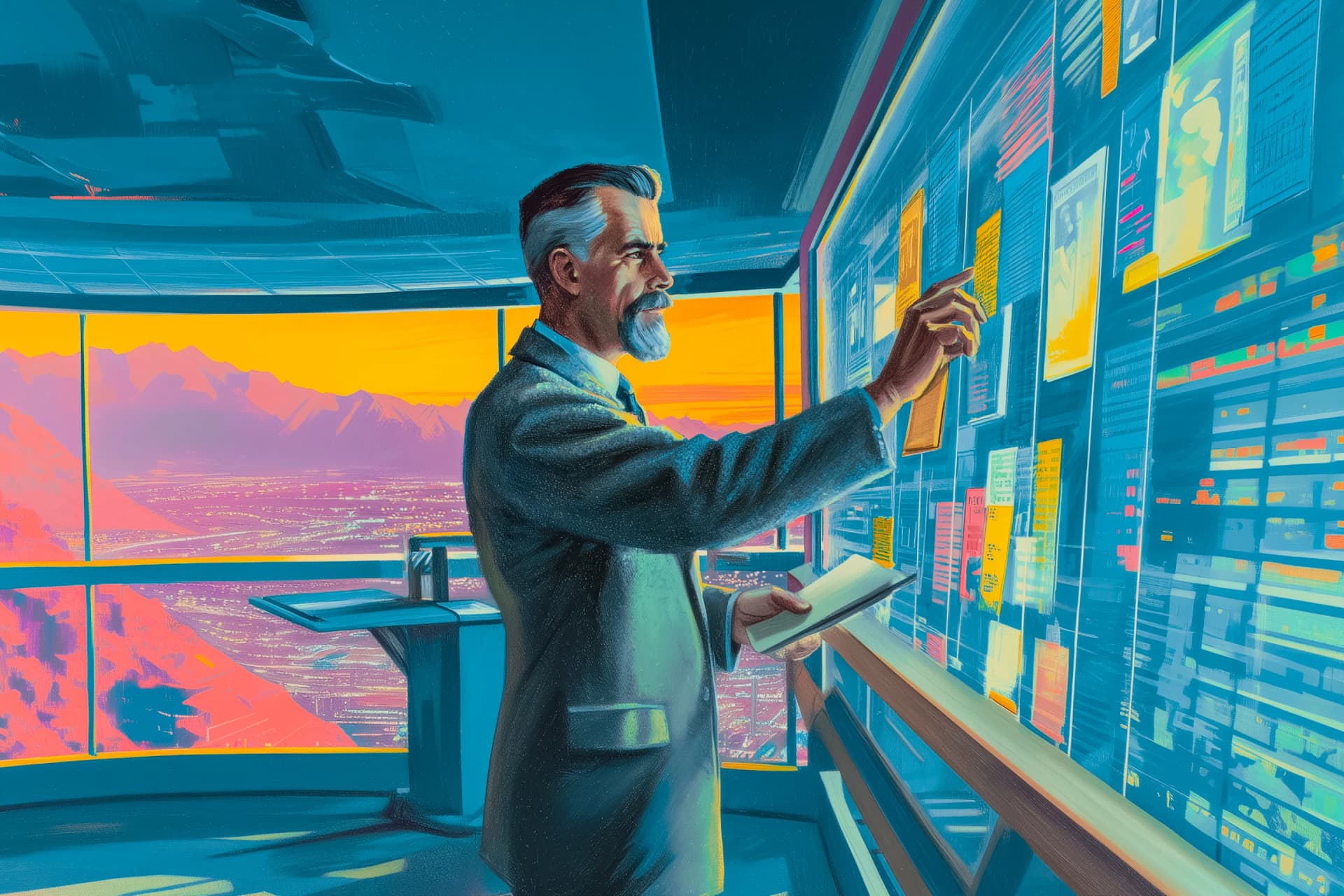
This is still the most hands-on part of my week. I have a custom Midjourney prompt creator that analyzes the content of that week’s articles and generates a prompt tailored to the edition’s theme.
I run it, pick from the generations, and edit if needed. Some weeks it clicks immediately. Other weeks I iterate until it feels right. This is where most of my 30 minutes goes, and I’m fine with that because the visual identity of Digital Native matters to me (and let’s face it, Midjourney is just fun).
Step 5: Test, review, send
Finally, I click every link, read through the whole edition one more time, and make sure nothing feels off. Then I hit schedule for an 8 AM delivery every Saturday morning.
Oh, and another quality of life improvement: I built a prompt that drafts a tweet based on the newsletter content, which handles distribution to Typefully (which then distributes to X and Threads) in the same session.
What it used to look like
Before all of this, my process was manual from end to end. I was personally subscribed to dozens of newsletters, reading through everything, flagging articles in a notes app, then writing titles and descriptions from scratch for each one.
The content curation alone could eat an entire half day of work. Then I’d spend more time formatting for the email, testing links, sourcing an image. It was a big commitment every single week. And the worst part was that most of that time wasn’t making the newsletter better. It was just logistics.
The thing that changed my workflow wasn’t any single tool. It was deciding that my time should go toward editorial decisions, not repetitive formatting. I built systems around the tedious work so I could be more present in the work that actually matters.
The design decisions that made this fast
A locked template. I iterated on my Beehiiv template over many editions until it was right. Now I don’t touch it. The constraint keeps things consistent for my readers and fast for me.
Markdown as the transfer layer. My app outputs markdown that drops directly into Beehiiv. No intermediate format, no cleanup step.
Consistent sections. Four sections, same order, every week. My readers know the structure. I don’t waste time deciding on layout.
AI for discovery, human judgment for everything else. Moltzart finds candidates. I decide what matters. I write how each piece is presented. That division is the entire system.
Is it working?
152 editions in, my open rate sits at 63% and my click-through rate is 10.48%. For context, industry average for newsletters hovers around 20-25% open rate.
I attribute that to one thing: the system lets me focus entirely on whether the content is genuinely useful to my audience. When you remove the noise from your process, the signal gets stronger.
If you want to see what 30 intentional minutes looks like in practice, Digital Native lands every week. It’s curated design insights for the AI era, built for designers and builders who want signal without the sorting.
What I’d tell someone spending 3+ hours on their newsletter
Three things:
- Find systems. Identify every repeatable step and turn it into a process you don’t have to think about.
- Find automation. Anything a tool can do as well as you, let it. Save your energy for the decisions only you can make.
- Protect your editorial judgment. That’s the part your audience actually cares about. Everything else should serve that, not compete with it.
The 30 minutes I spend each week isn’t about doing less. It’s about doing only the work that matters: deciding what’s useful and putting it in front of people who care.
That’s what Digital Native is.
FAQ
What tools do you use to create a newsletter?
Beehiiv for publishing, a custom-built curation app for article processing and organization, Midjourney for featured images, and an AI agent for initial content discovery. The AI surfaces candidates, but every editorial decision is mine.
How long does it take to create a newsletter?
Under 30 minutes per edition, but only after investing significant time building the system behind it. The first 130+ editions took several hours each week.
Do you use a template or design each edition from scratch?
A template I iterated on over many editions. The consistency is a feature for my readers, not a limitation.
What makes a newsletter distinctive?
Showing up with the same quality and structure every single week. Distinctiveness comes from editorial voice and consistent curation, not from redesigning the layout each time.
Matt Downey is a designer who has spent over two decades building digital businesses, now Head of Design at Atlas UP. He writes Digital Native, the newsletter for designers building in the AI era.