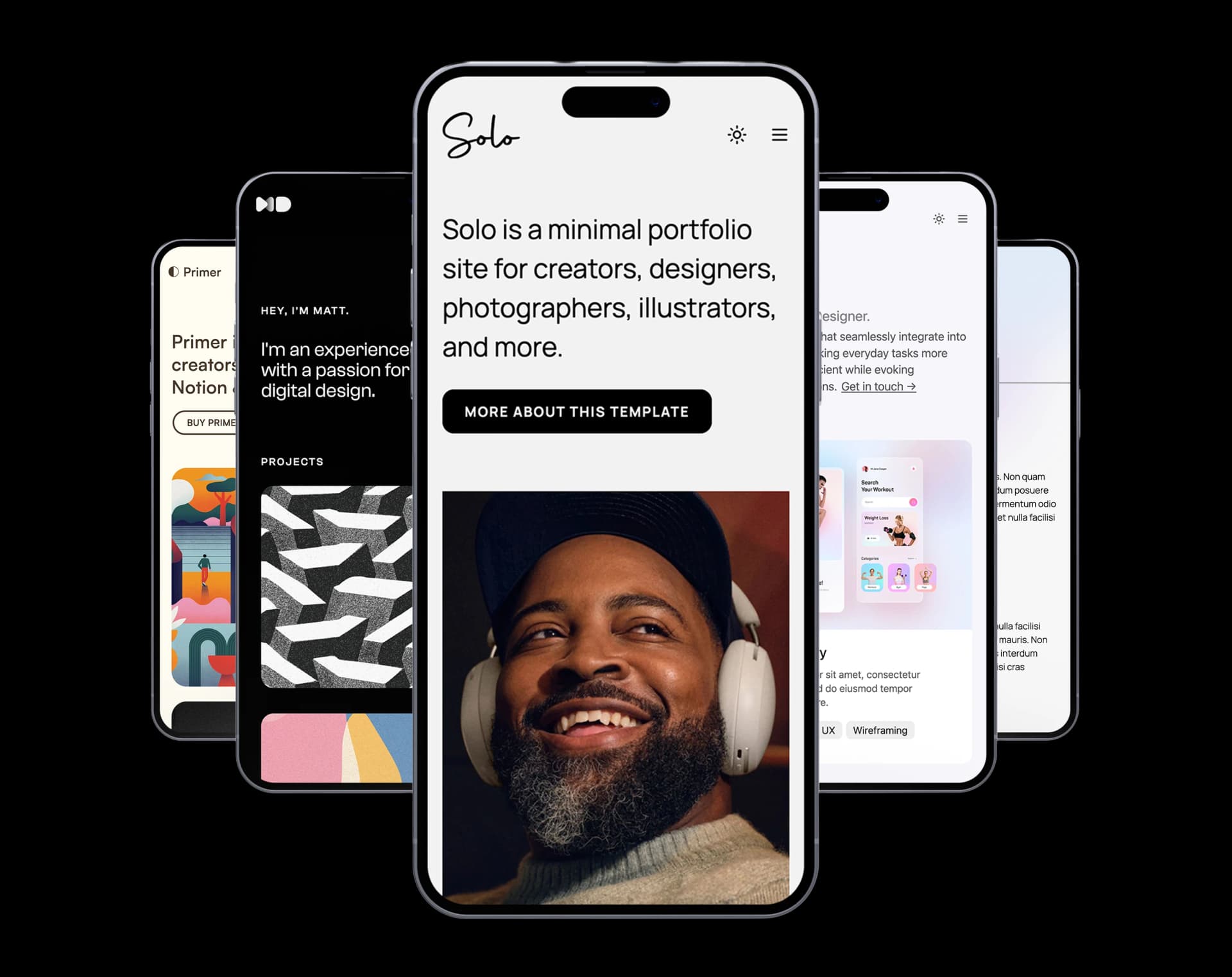
Super.so Templates for Notion Websites
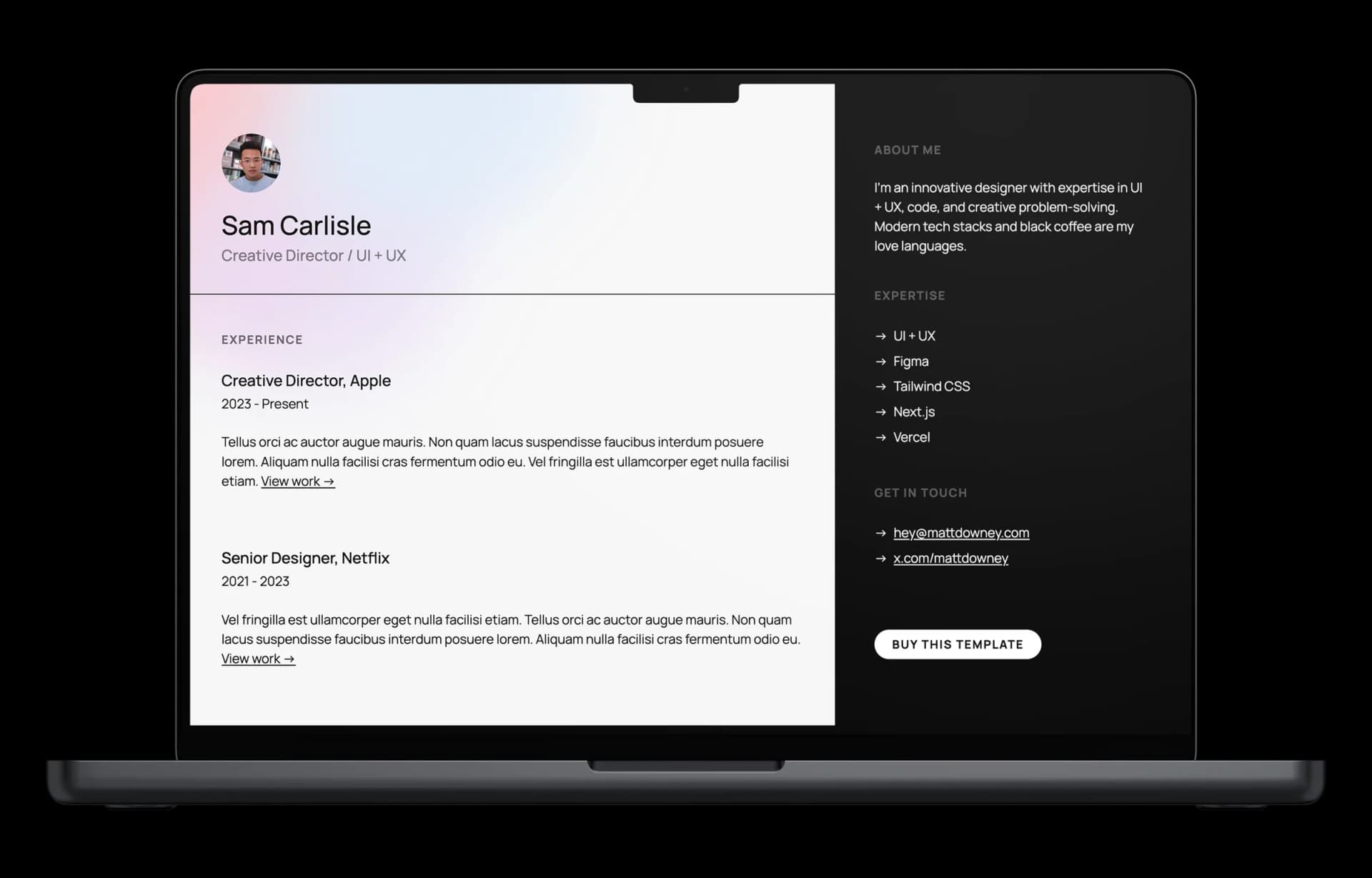
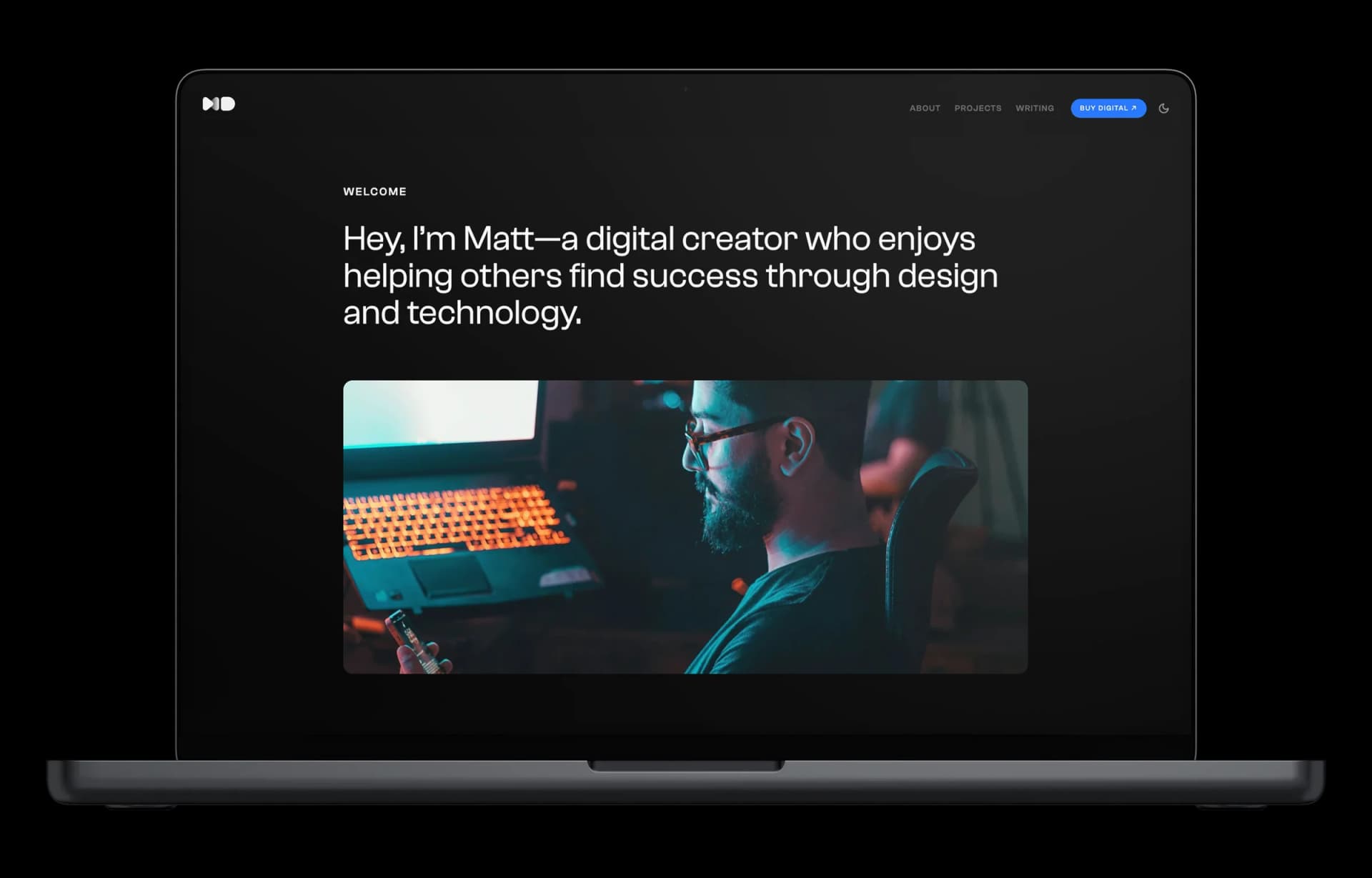
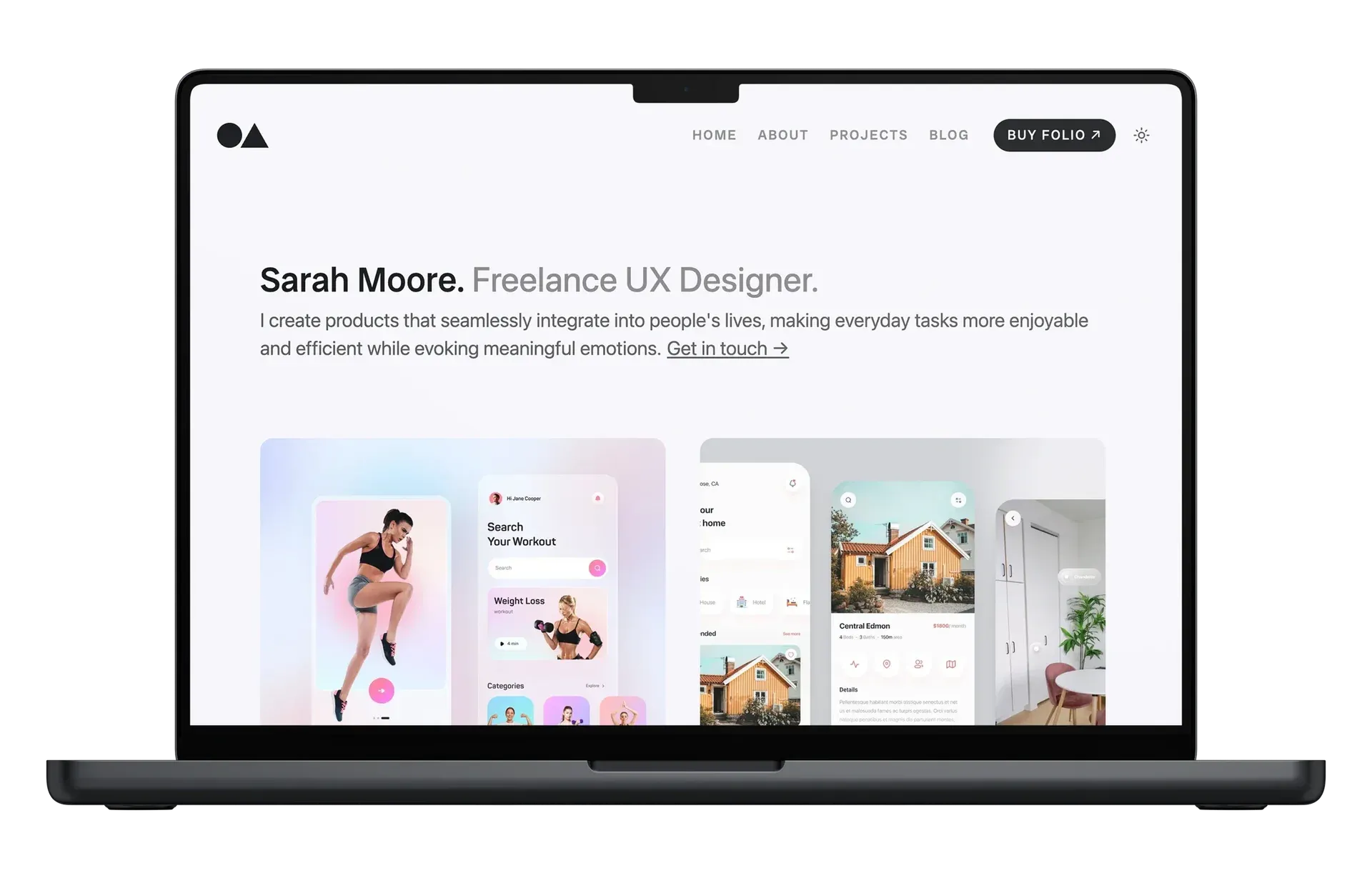
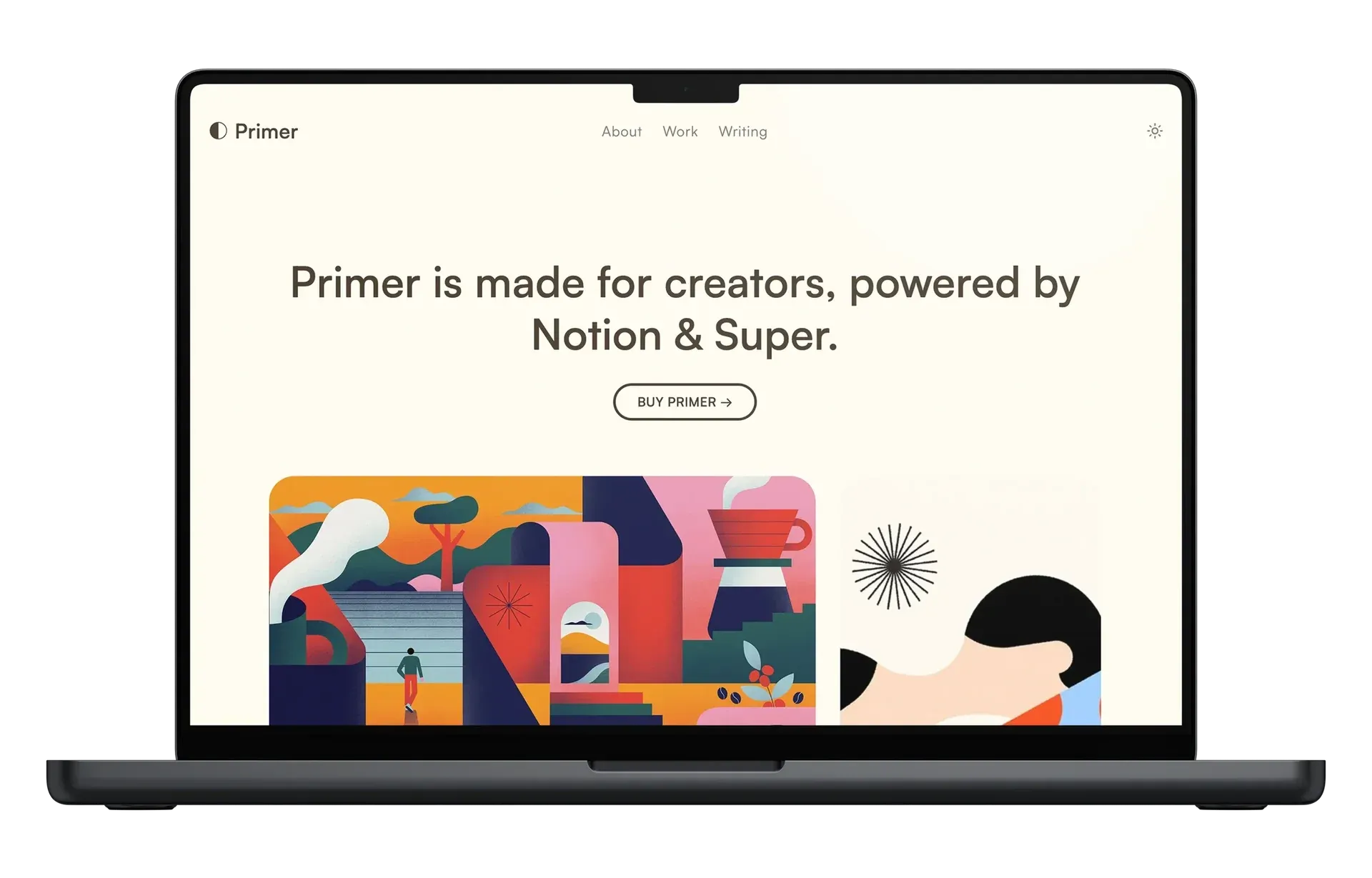
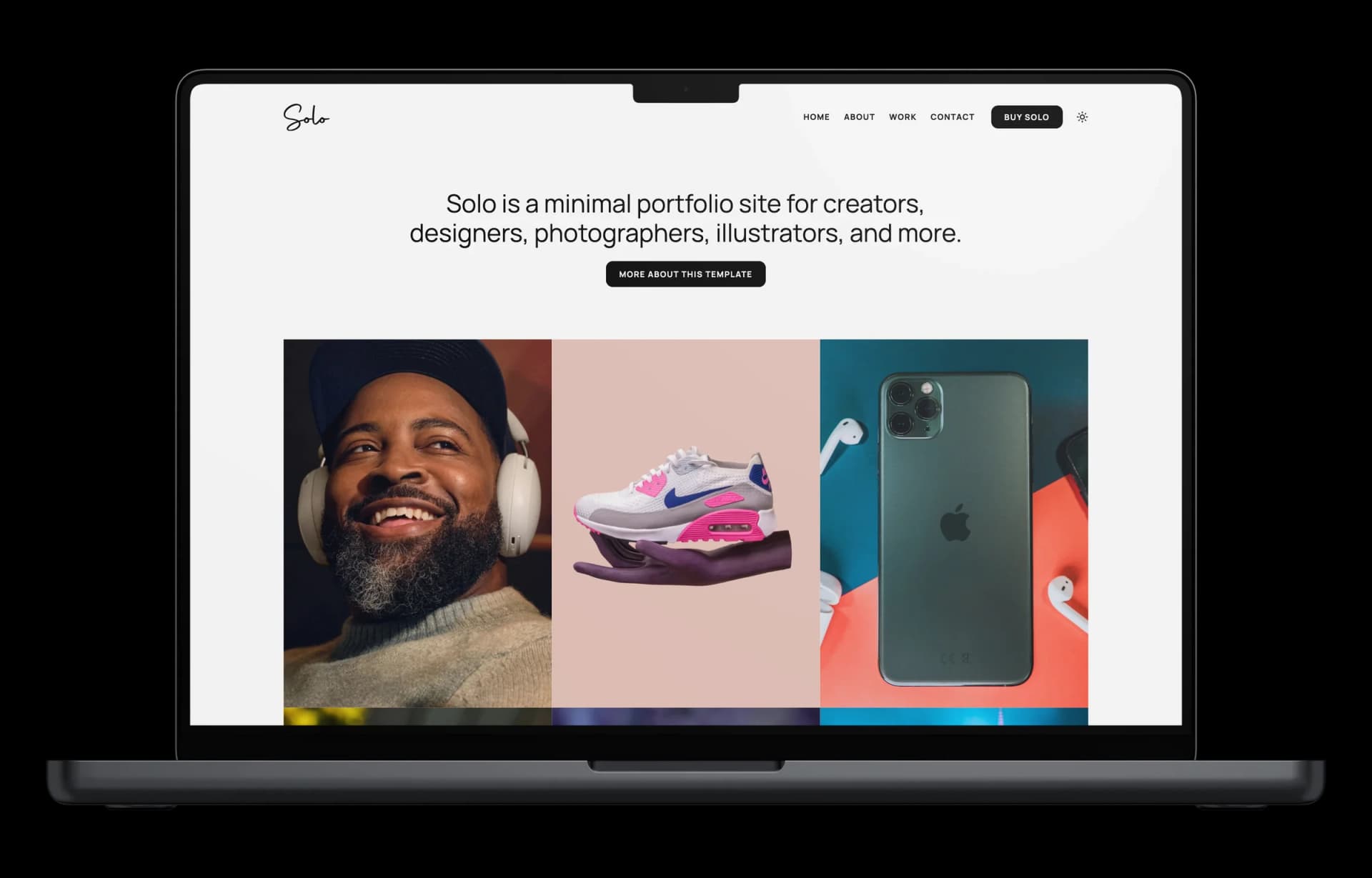
Turn Notion into a site that looks like you paid a designer. Five templates built for Notion + Super, fast, responsive, and yours to customize.
“I just bought your Folio template for Super. It is beautiful and helps to make my site look great. Thank you!”
“Absolutely perfect. The template is wonderful!”
“I'm grateful for your template and I'm applying to jobs with it! Thank you for creating something so beautiful!”
“Thanks for your beautiful template. I just love it!”
“I just bought your Folio template for Super. It is beautiful and helps to make my site look great. Thank you!”
“Absolutely perfect. The template is wonderful!”
“I'm grateful for your template and I'm applying to jobs with it! Thank you for creating something so beautiful!”
“Thanks for your beautiful template. I just love it!”
FAQ
Questions about Super templates
Yes. Super templates only work on Super.so, so you need an active Super subscription to publish your site. Super handles hosting, custom domains, and keeps your site in sync with your Notion content.
Yes. Every template is a Notion doc, so you need a Notion account to duplicate and edit it. Notion’s free plan is enough to get started.
After checkout, you get a confirmation email with a download link and setup instructions. You duplicate the Notion doc into your own workspace, then connect it to Super to publish it as a live site.
Yes. Super lets you point a custom domain at your published site, so you’re not stuck on a super.so subdomain.
Yes. Super gives you theme controls for colors and fonts, and since the site is a Notion doc underneath, you can restructure the content itself too.
Yes. Super renders every site responsively, so your template adapts to phones and tablets without extra setup.
Yes, free updates are included. When I improve a template, you get access to the latest version.
Due to the digital nature of these products, I don't offer refunds. If a template isn't working as expected, and I'll help make it right.